
This article walks you through the Analytics page in Tekst - showing you what data you can track, how to interpret it, and how to use it to improve your team's performance.
Accessing Analytics
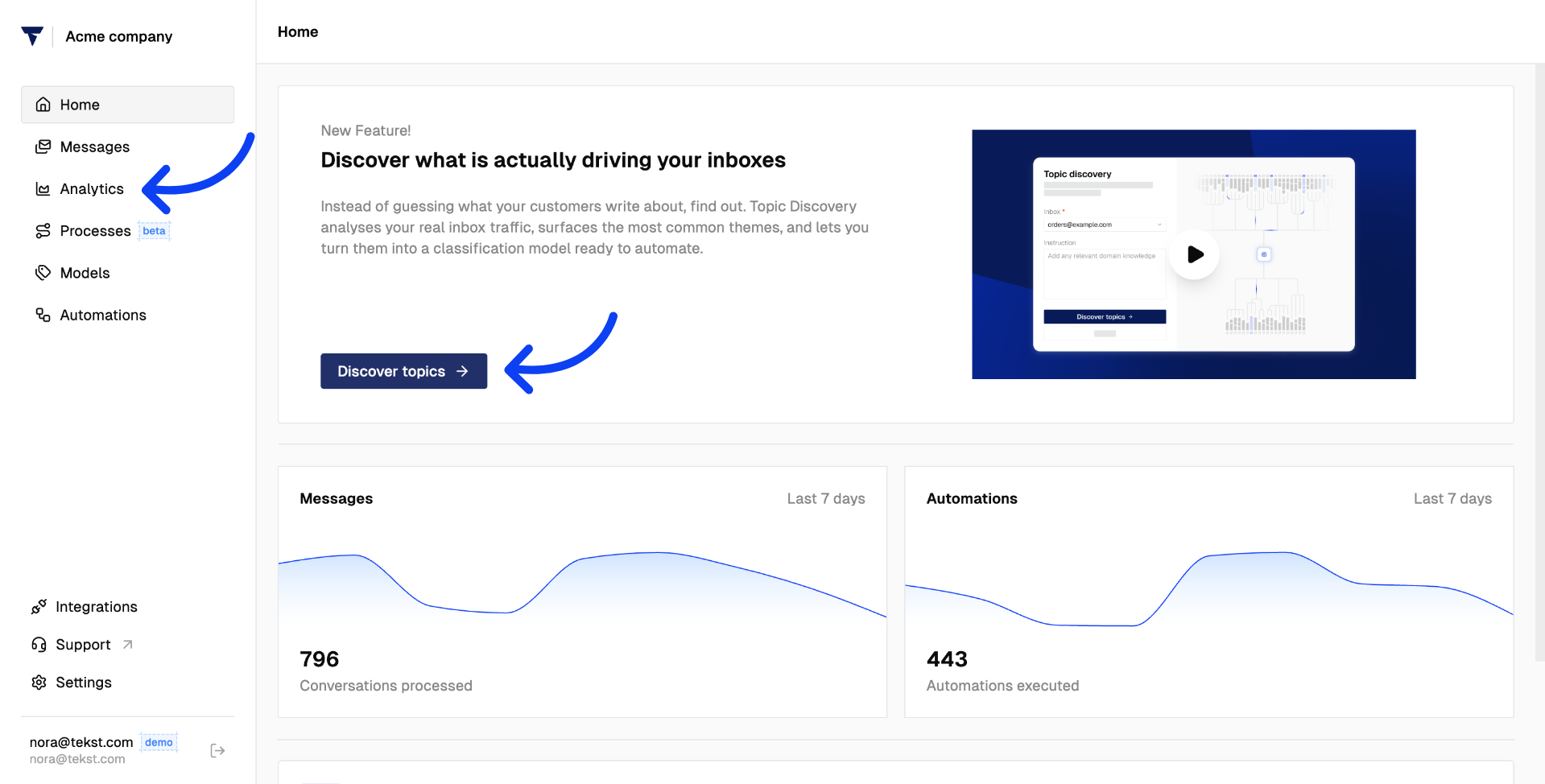
From the Home page, navigate to Discover Topics or go directly to Analytics - your gateway to understanding everything happening across your inboxes.
The High-Level Overview
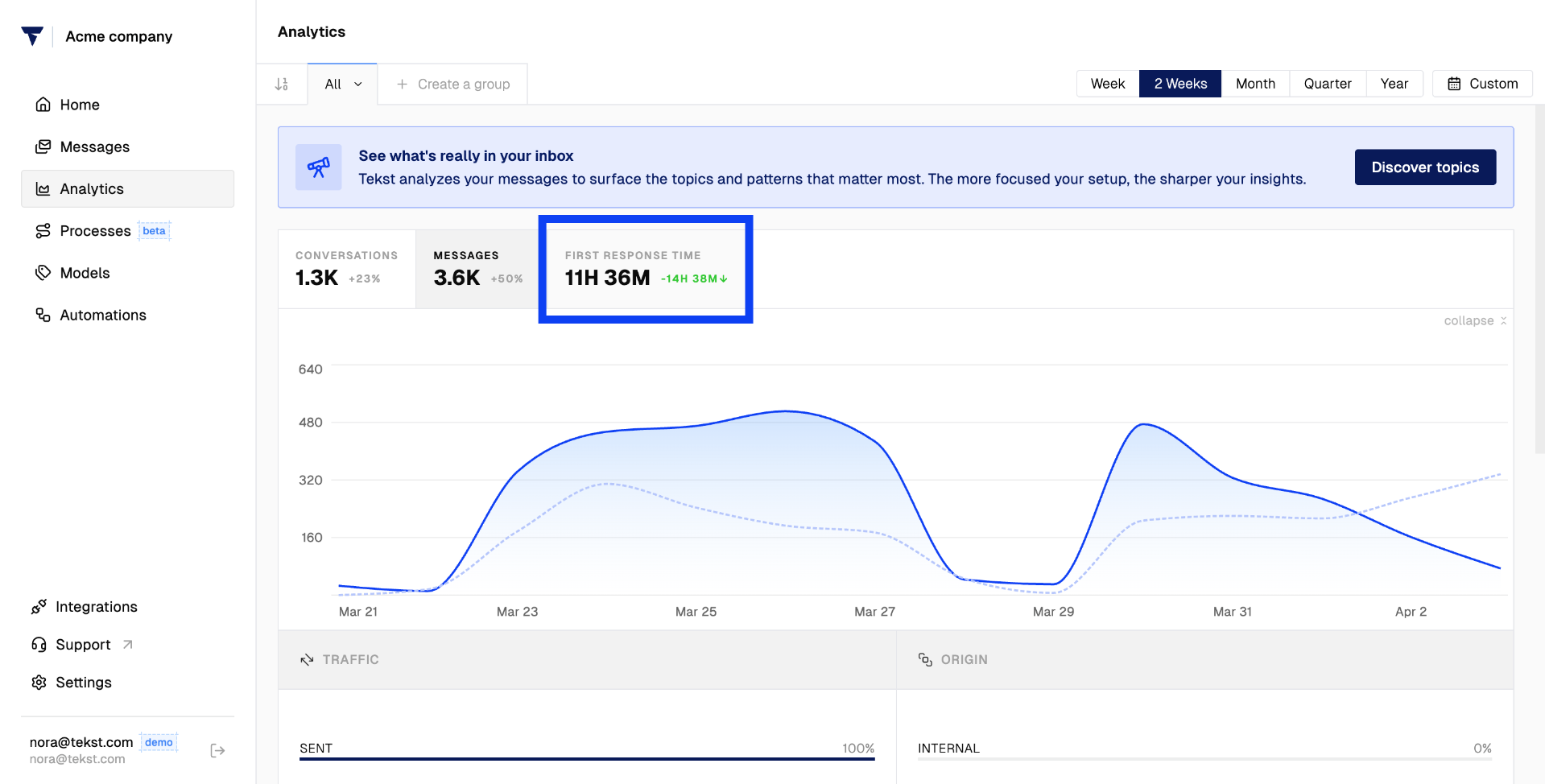
The first thing you see is a high-level summary of your team's activity.
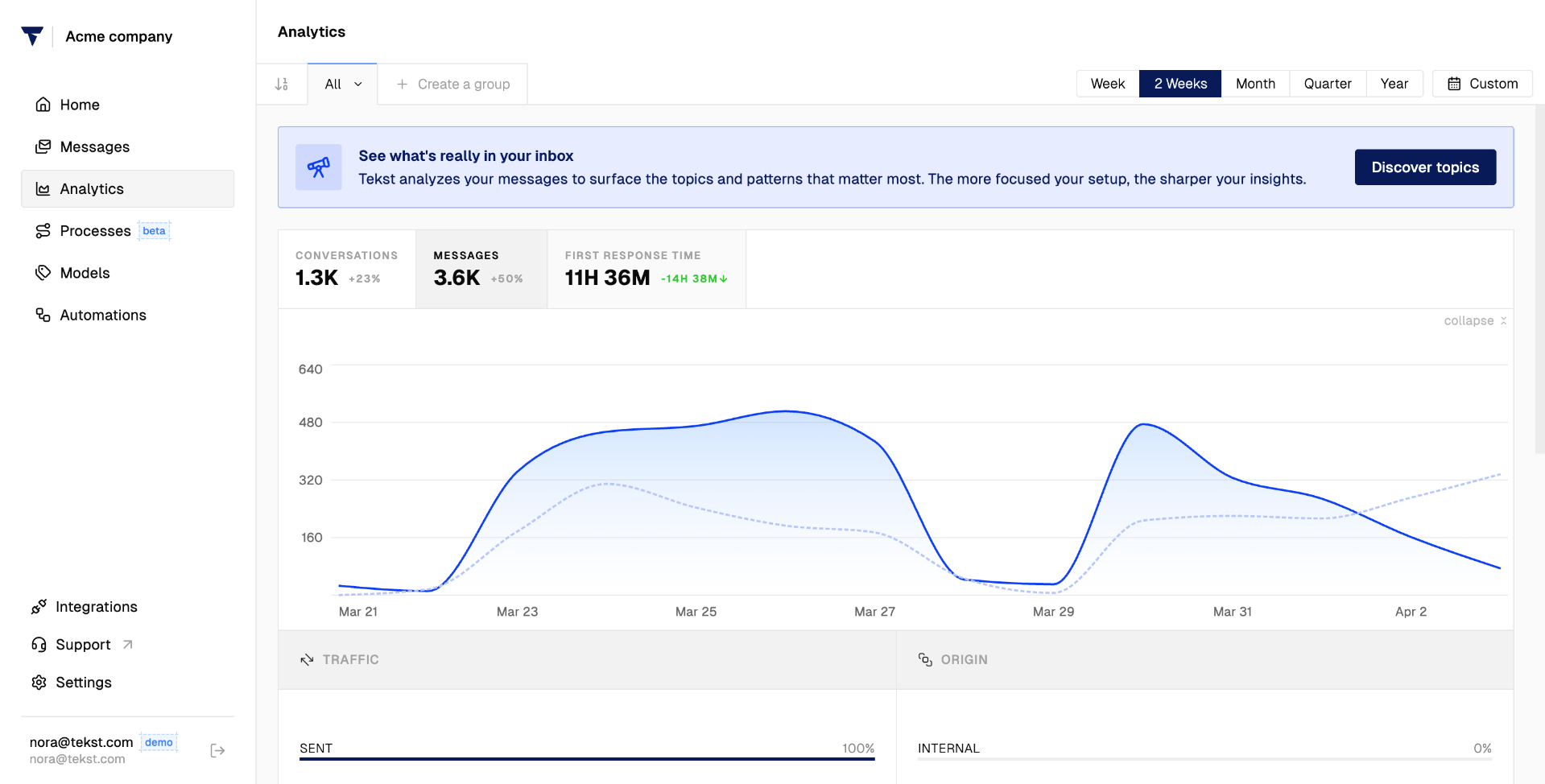
It shows three key numbers:
- The total number of conversations captured by Tekst
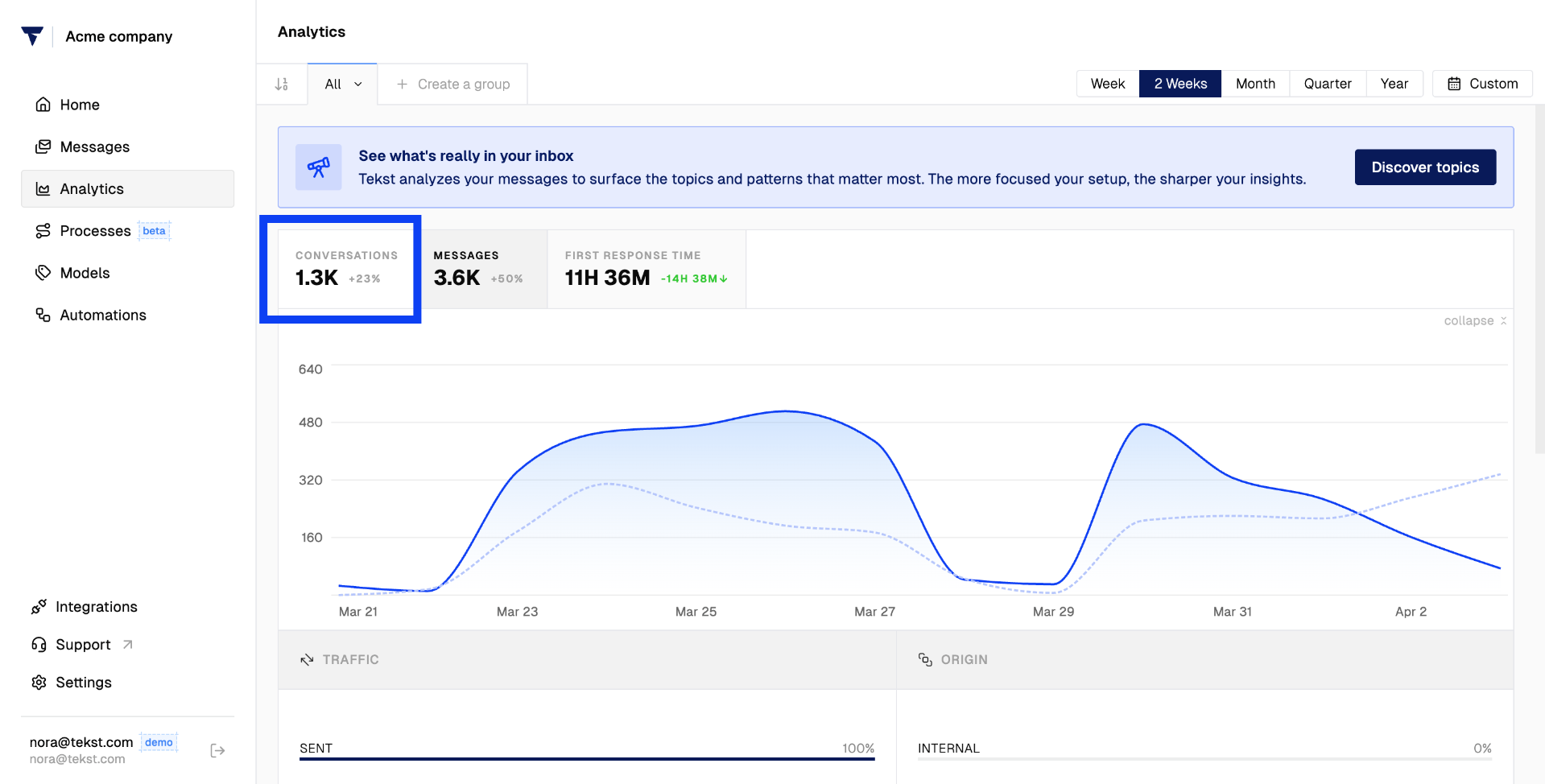
- The number of individual messages exchanged
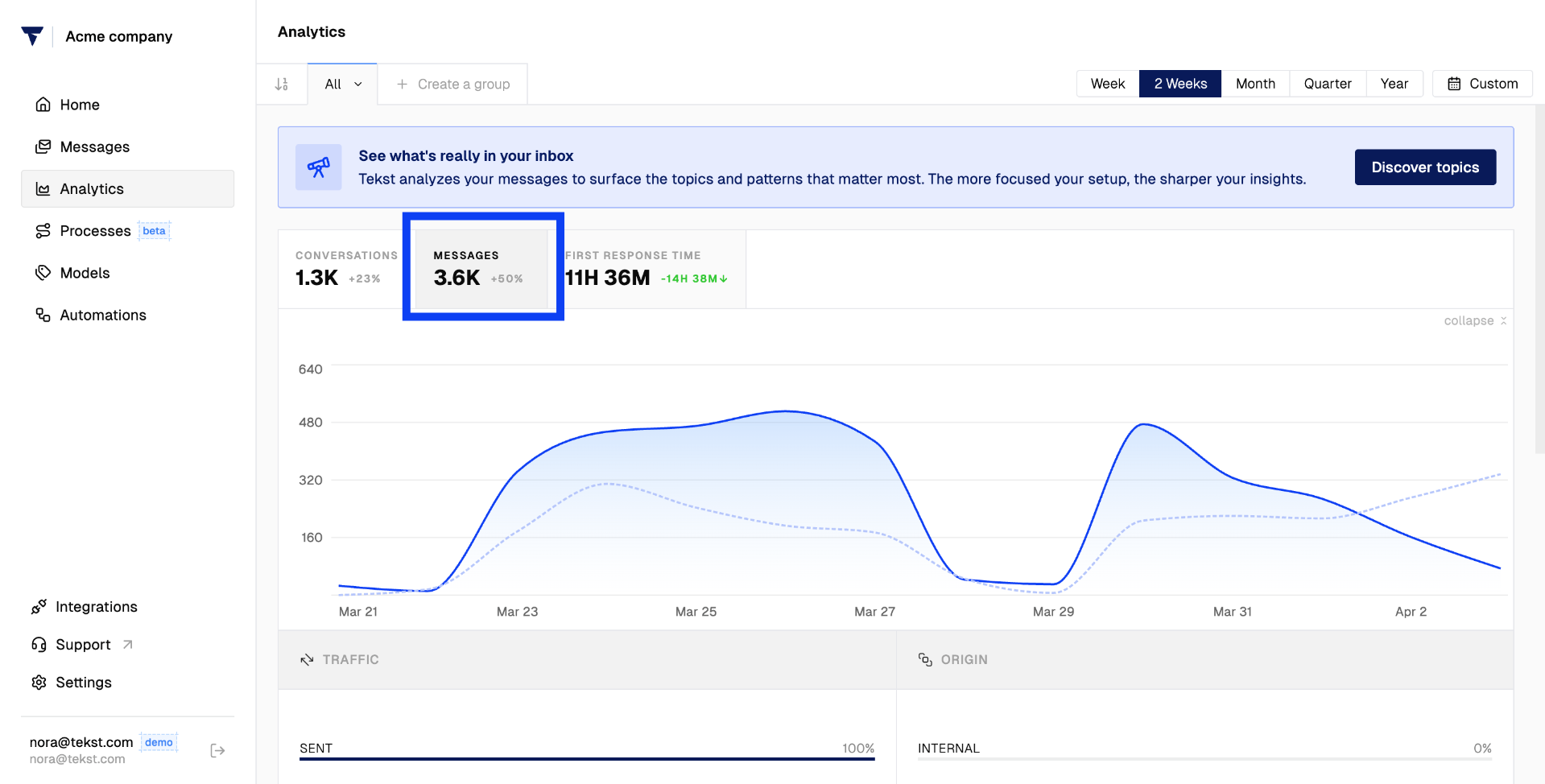
- How long it takes your teams to respond
The Analytics Dashboard
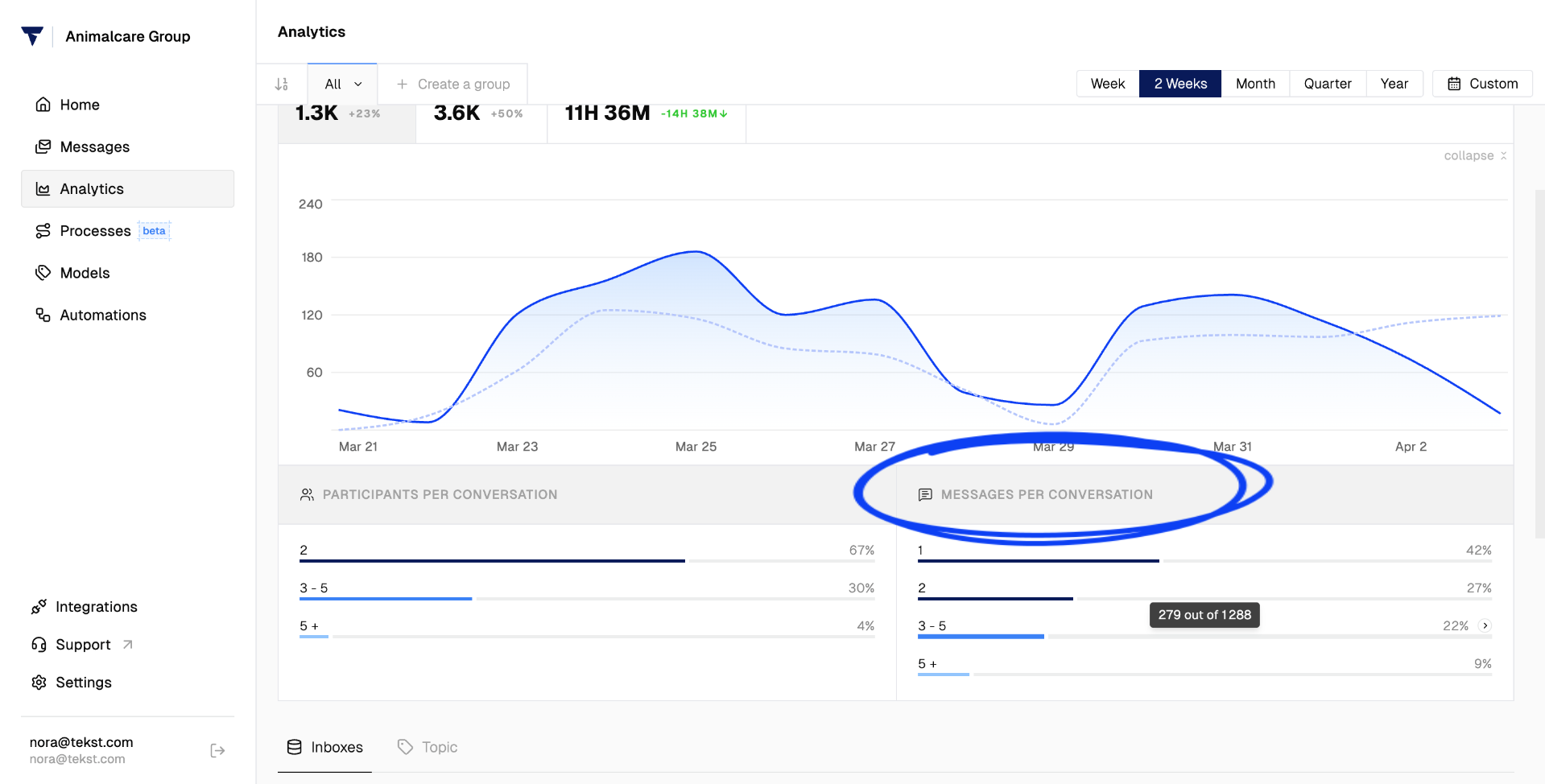
The dashboard gives you a clear visual overview of your conversation volume over time.

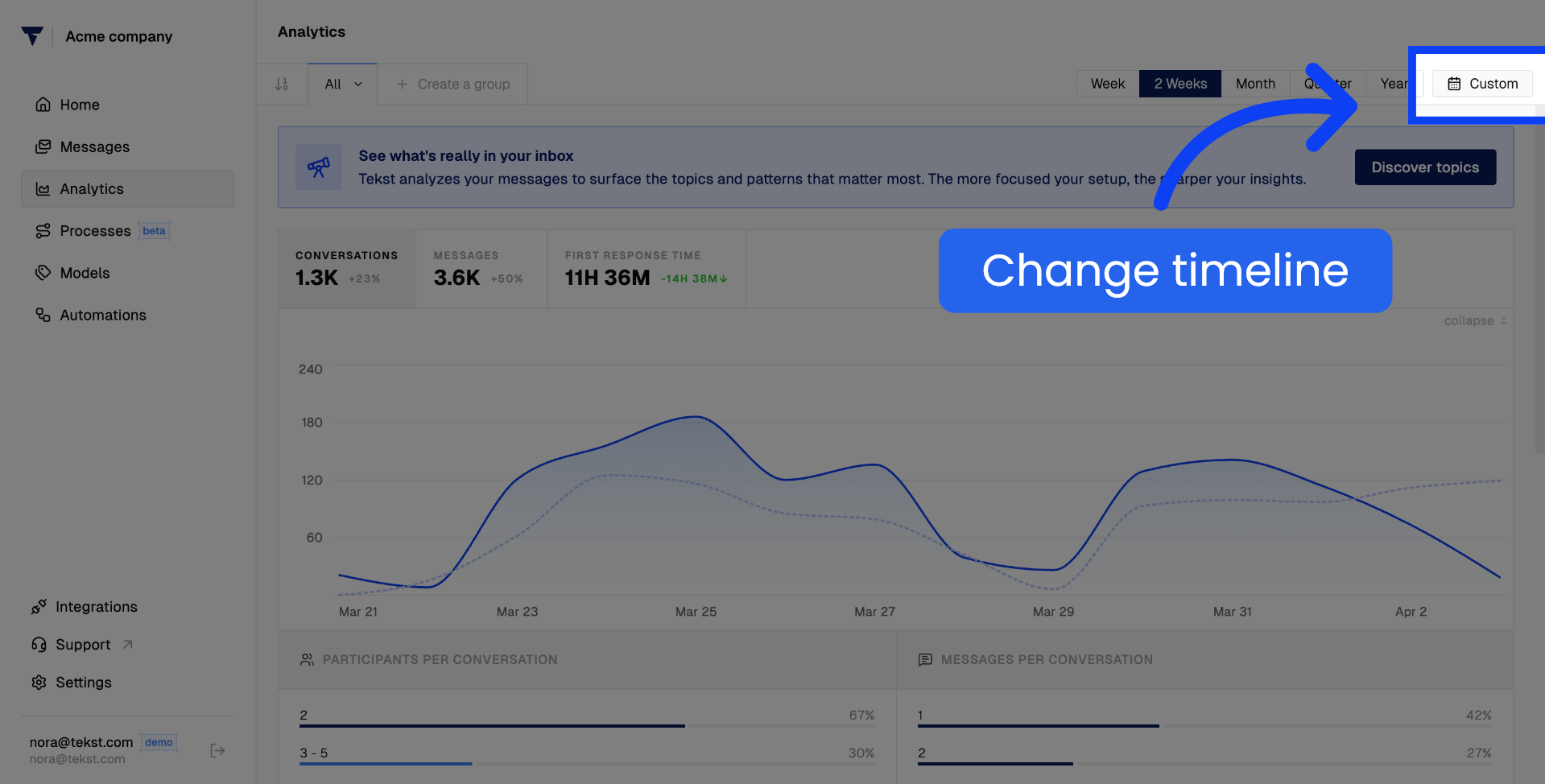
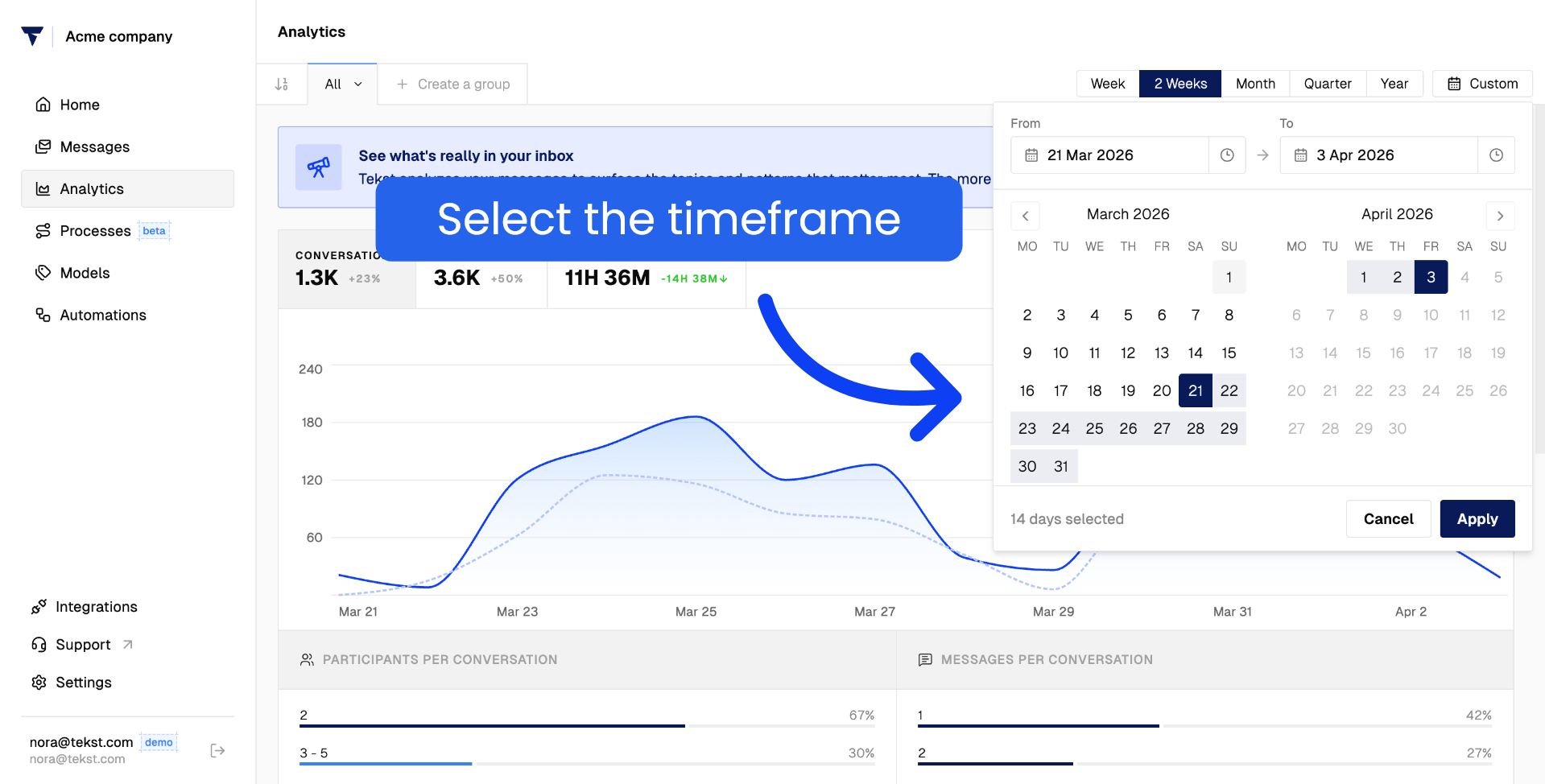
Use the custom date range selector to zoom in on a specific period.
Simply select a start date and define the window you want to review.
Once your timeframe is set, look at the performance metrics - how many people are involved per conversation:
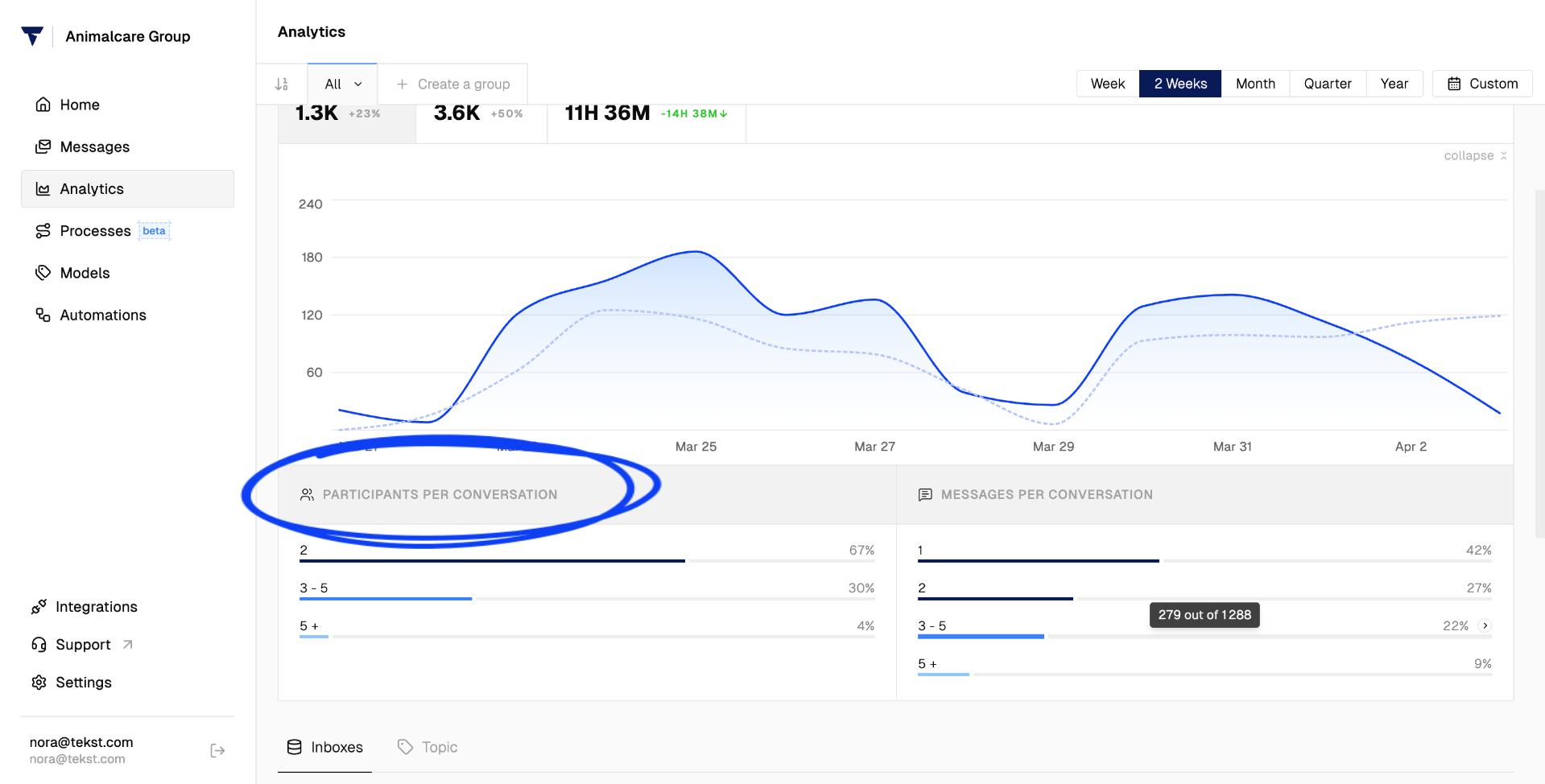
And how many emails are being exchanged back and forth. These metrics help you understand the complexity and volume of your team's interactions.
Inbox-Level Breakdown
On the left side of the dashboard you will find an overview of all your connected inboxes and the messages flowing into each one.
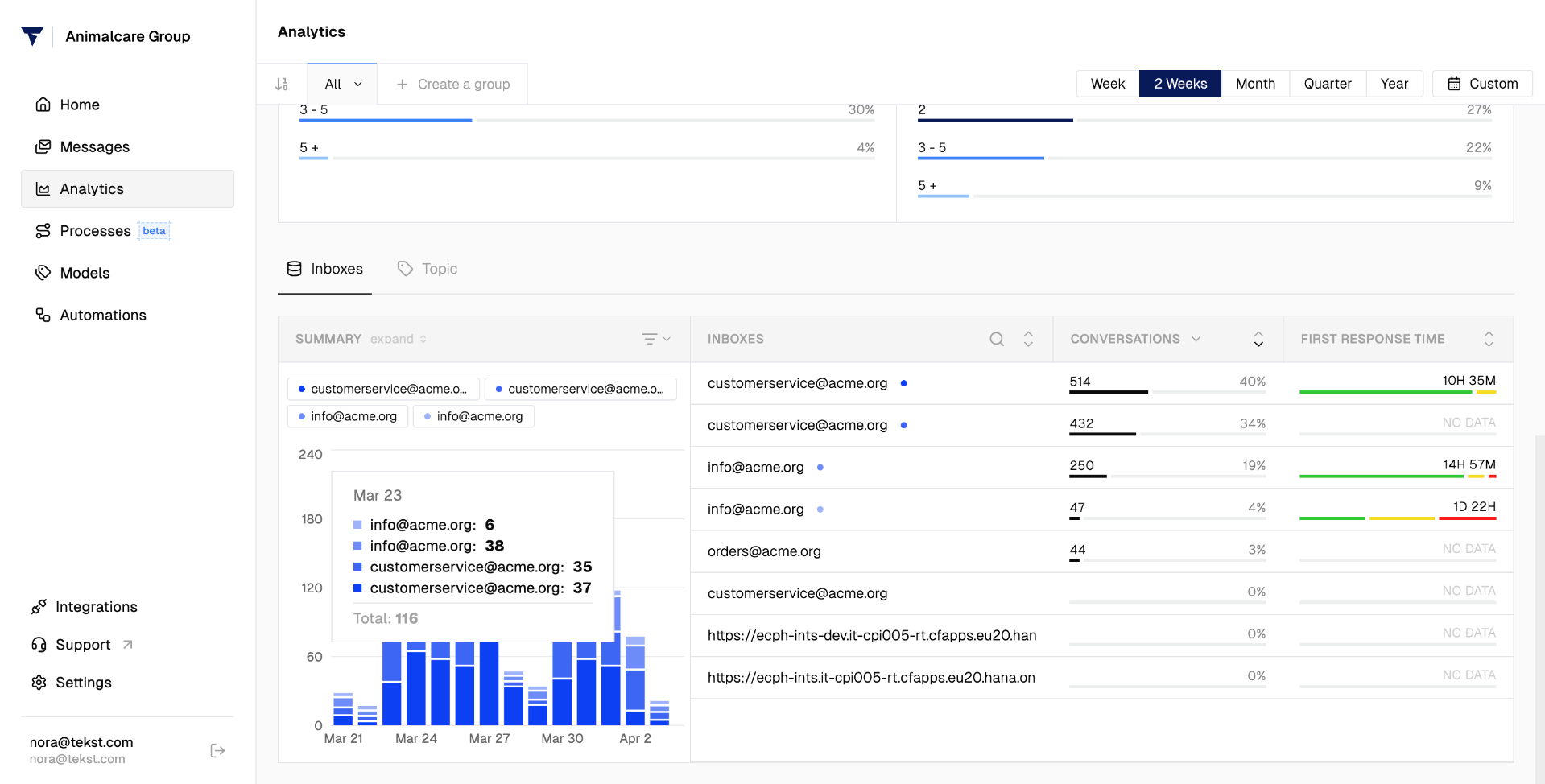
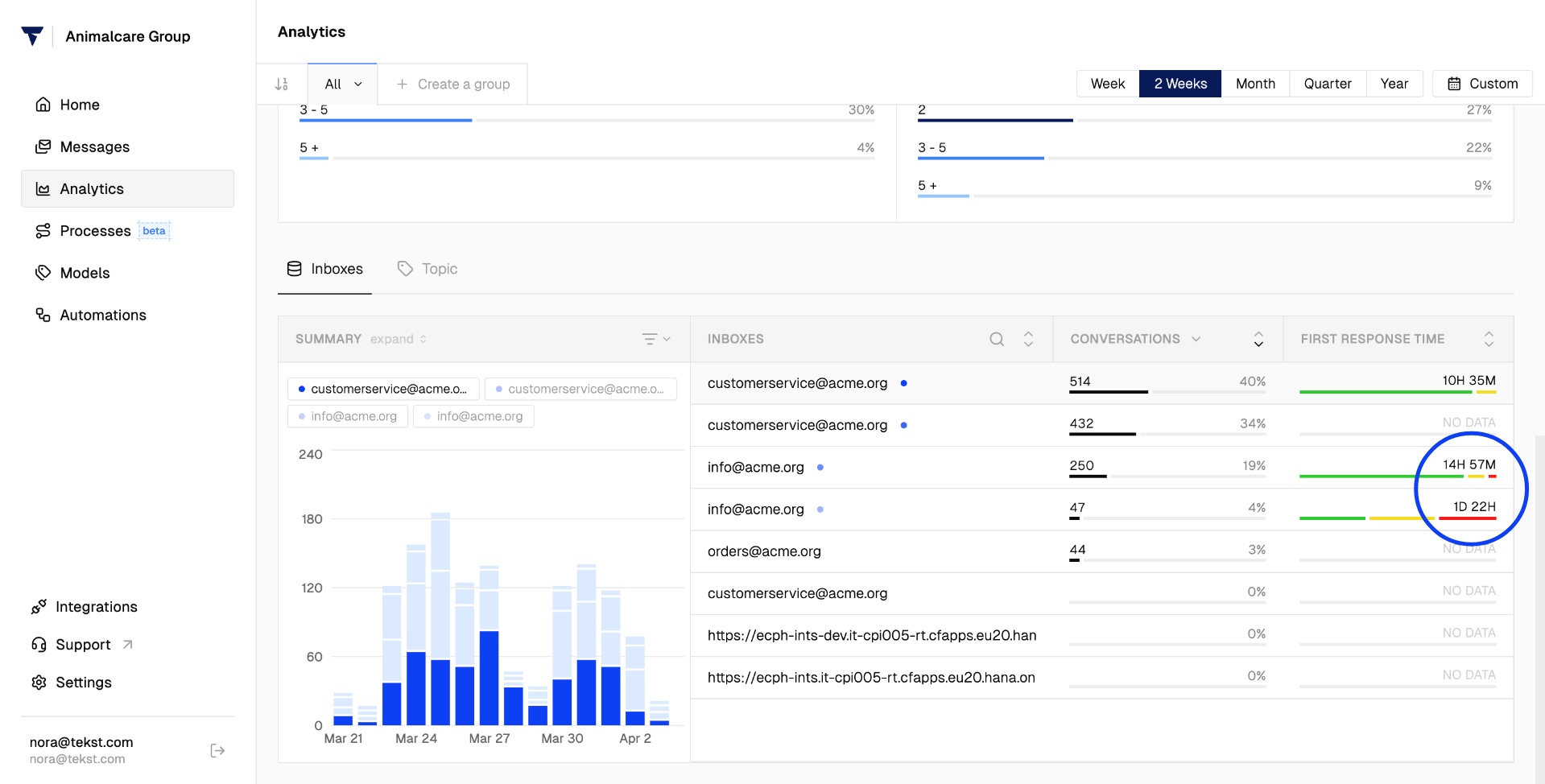
Next to that, you can see response patterns per inbox. If one inbox shows particularly slow response times, that is your signal to investigate - something is causing a bottleneck there.
Topic-Level Breakdown
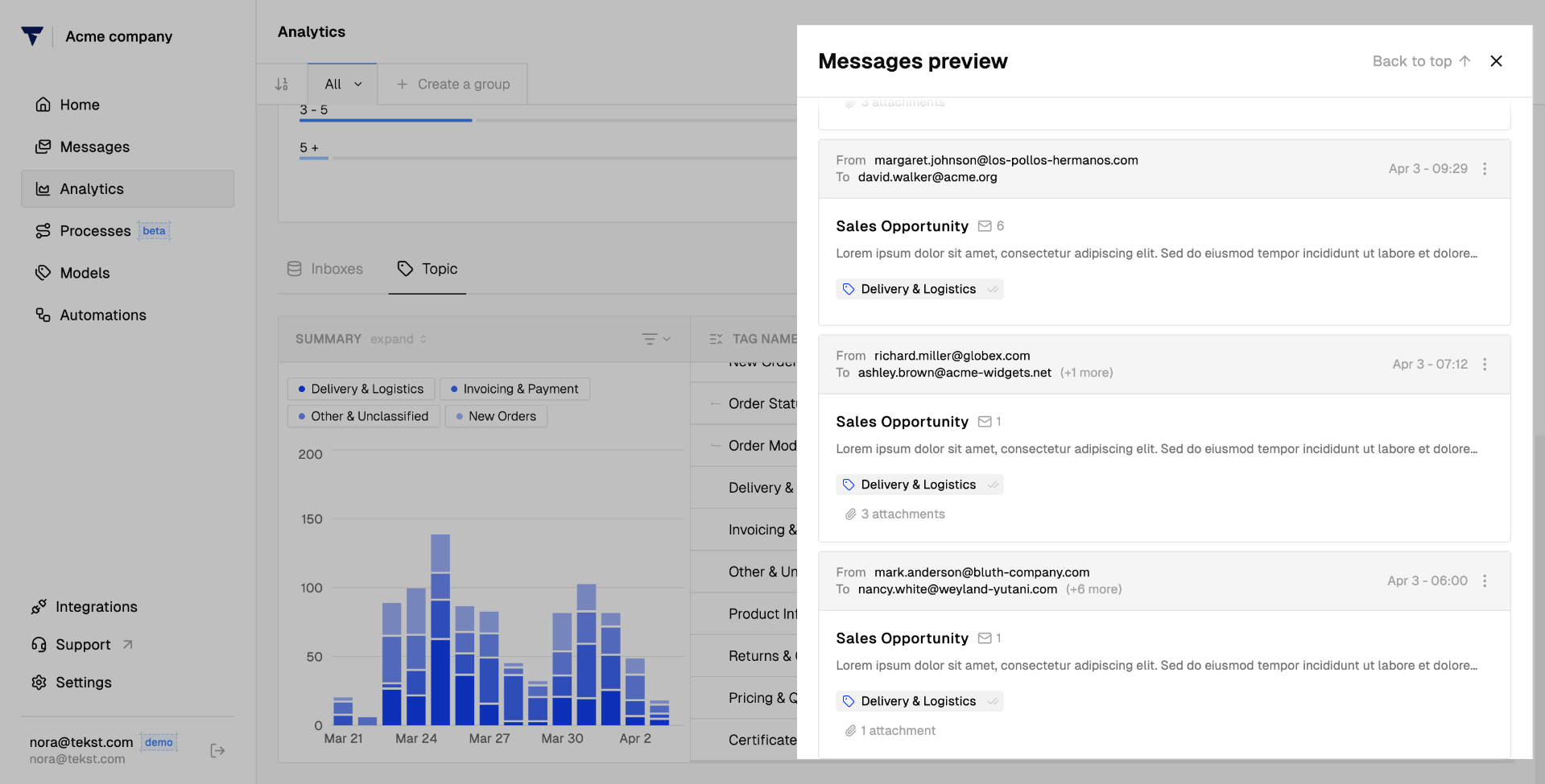
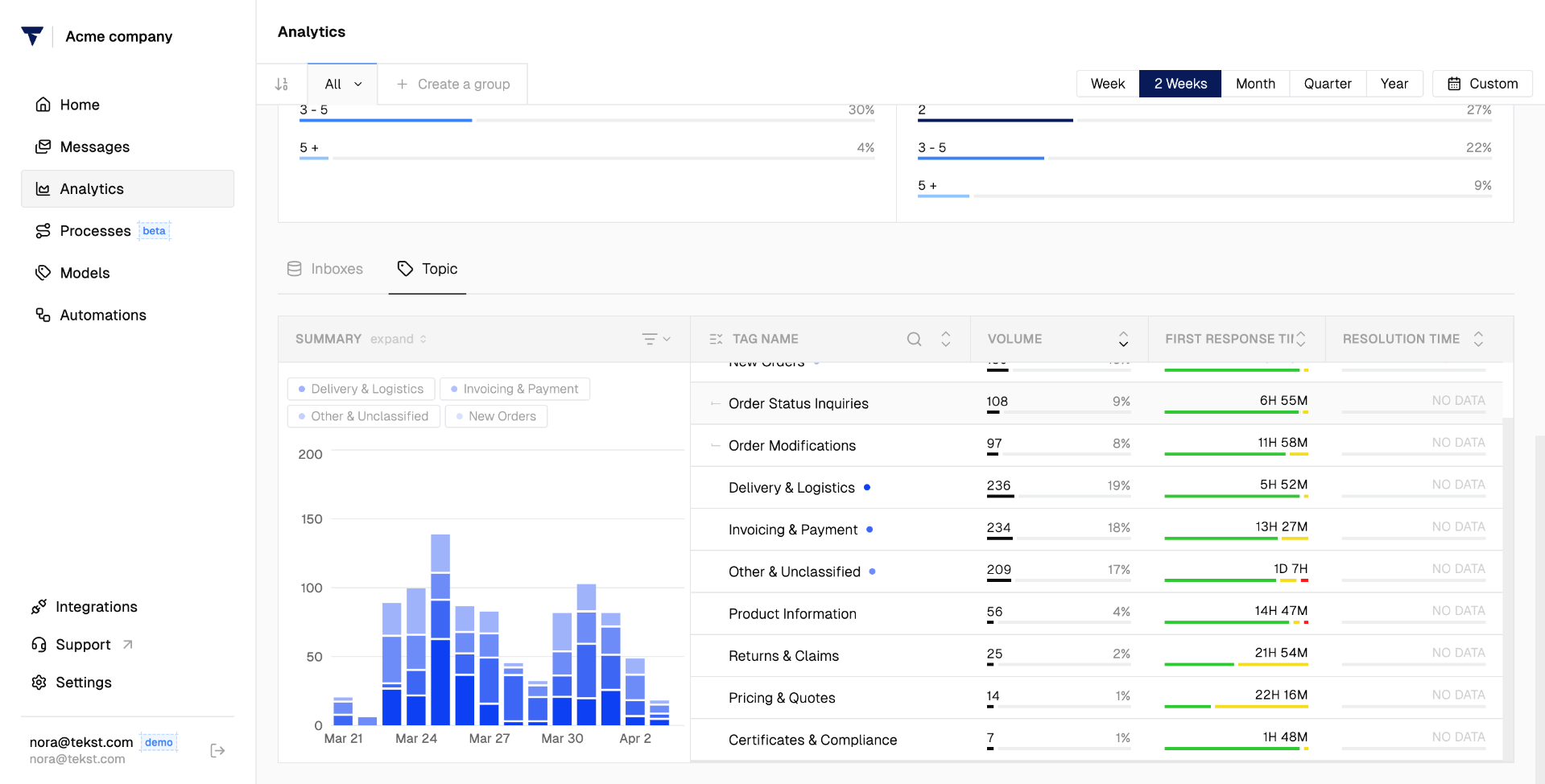
Head over to the Topic section to see how many messages are coming in per identified tag, and how long each tag takes to get a response.
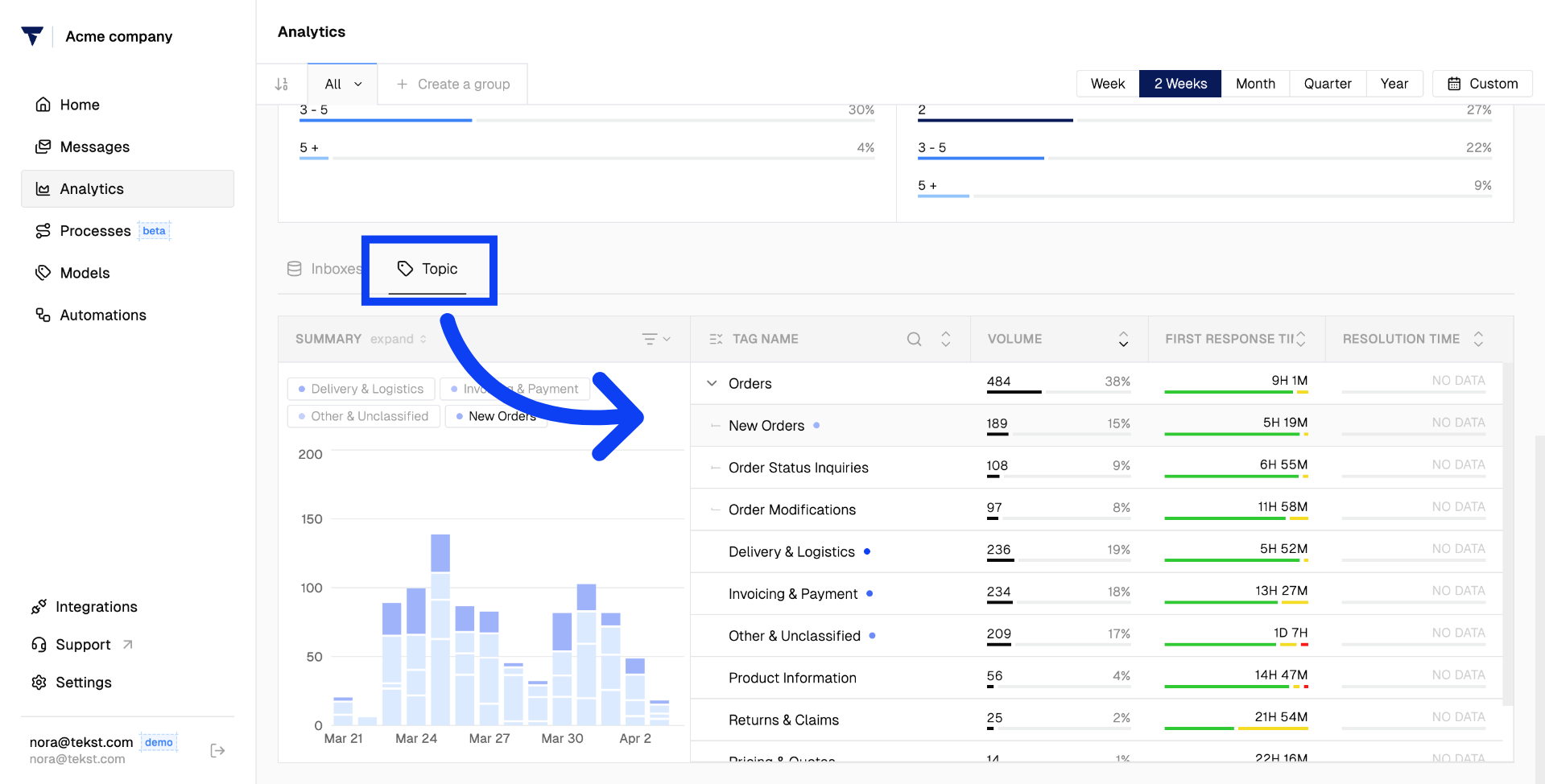
For a more granular view, open individual messages and check the labels directly.
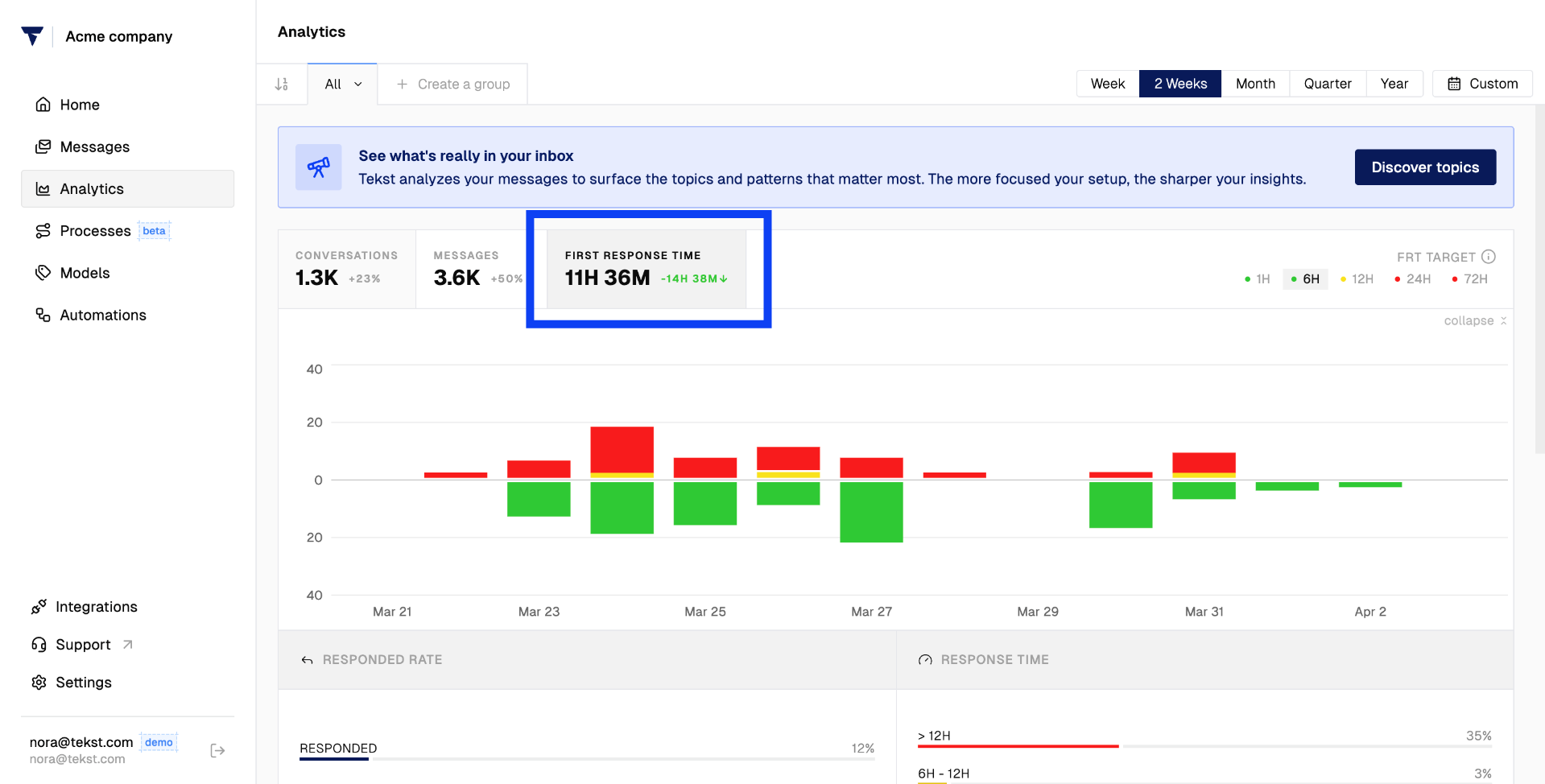
First Response Time
Navigate to First Response Time at the top of the page to break down response times per tag.
You can see, for example, that one topic is taking significantly longer to answer than others. That kind of insight makes it easy to prioritize where to take action.
Discover Topics
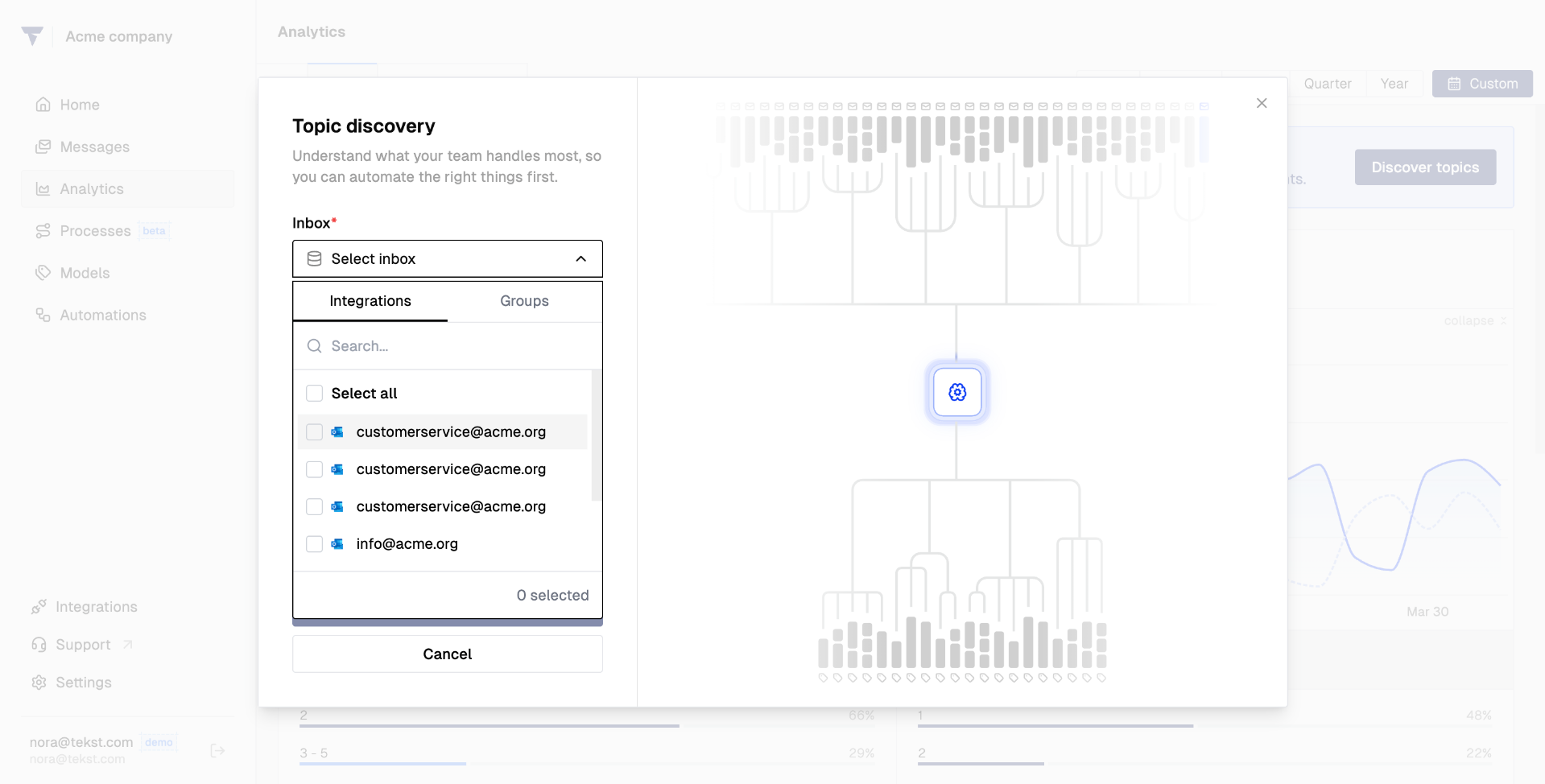
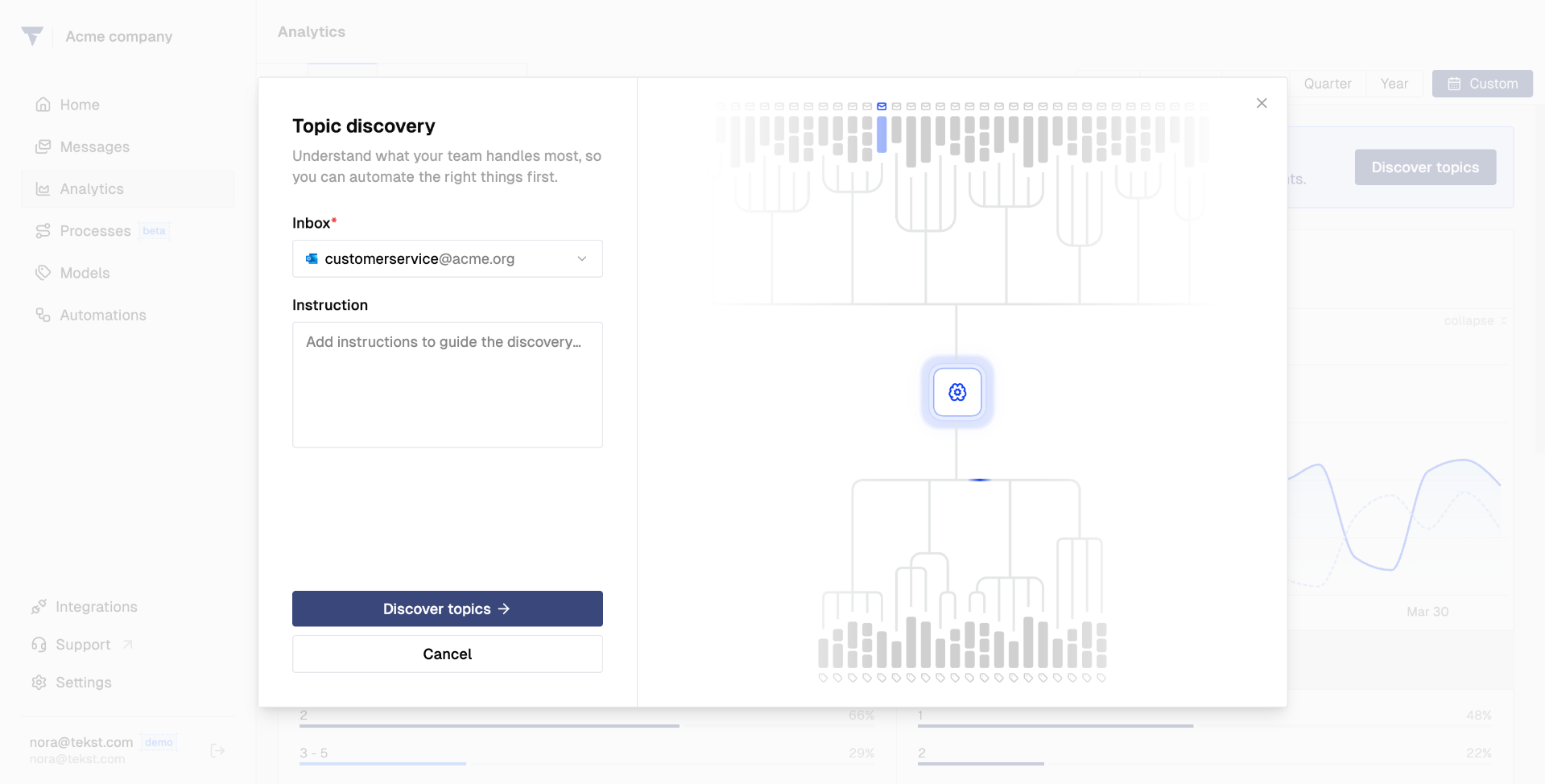
One of the newest features in Tekst lets you automatically surface topics that appear frequently in your inboxes.
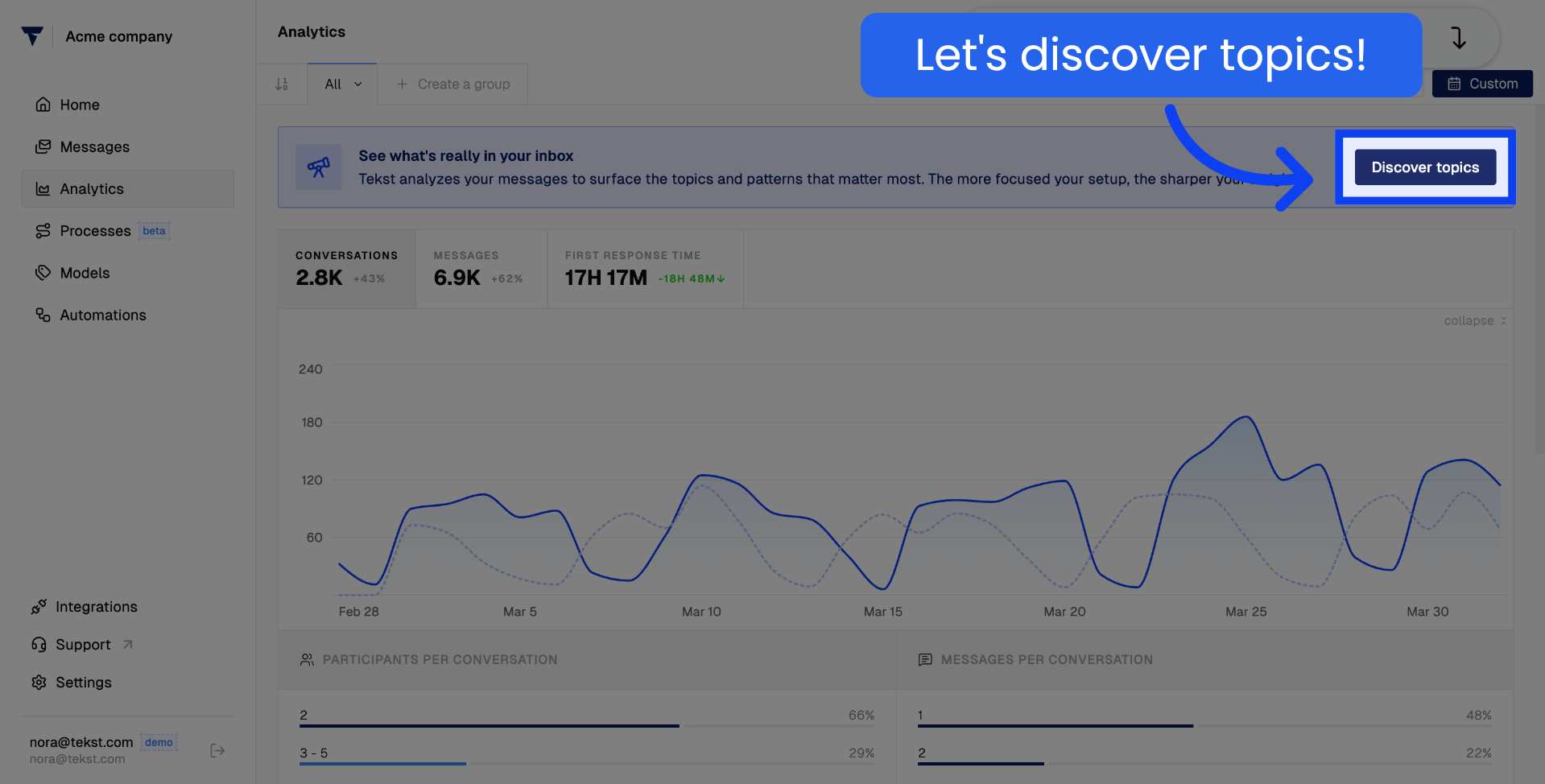
Select the inbox you want to analyze:
Then add a description of what you would like to see. Instead of manually sifting through conversations, Tekst does the heavy lifting for you - helping you spot emerging trends, identify recurring issues, and get sharper insights into what your customers are really talking about.
0 comments
Please sign in to leave a comment.